By the Vertexweb team. Last reviewed November 2026.
Google Analytics 4 shows you how people find your website, what they do there and whether they become customers. Many small businesses install Google Analytics 4 and never look at it again because it seems complicated. You only need a few reports to make better decisions. This guide covers a simple setup, how to track enquiries and the reports worth checking each month.
Key takeaways
- GA4 is free and replaced Universal Analytics in 2023.
- Set up key events for form enquiries, calls and bookings.
- Check traffic sources to see which marketing works.
- Look at landing pages to see which pages bring visitors.
- Make sure you have cookie consent in place.
How to set up Google Analytics 4
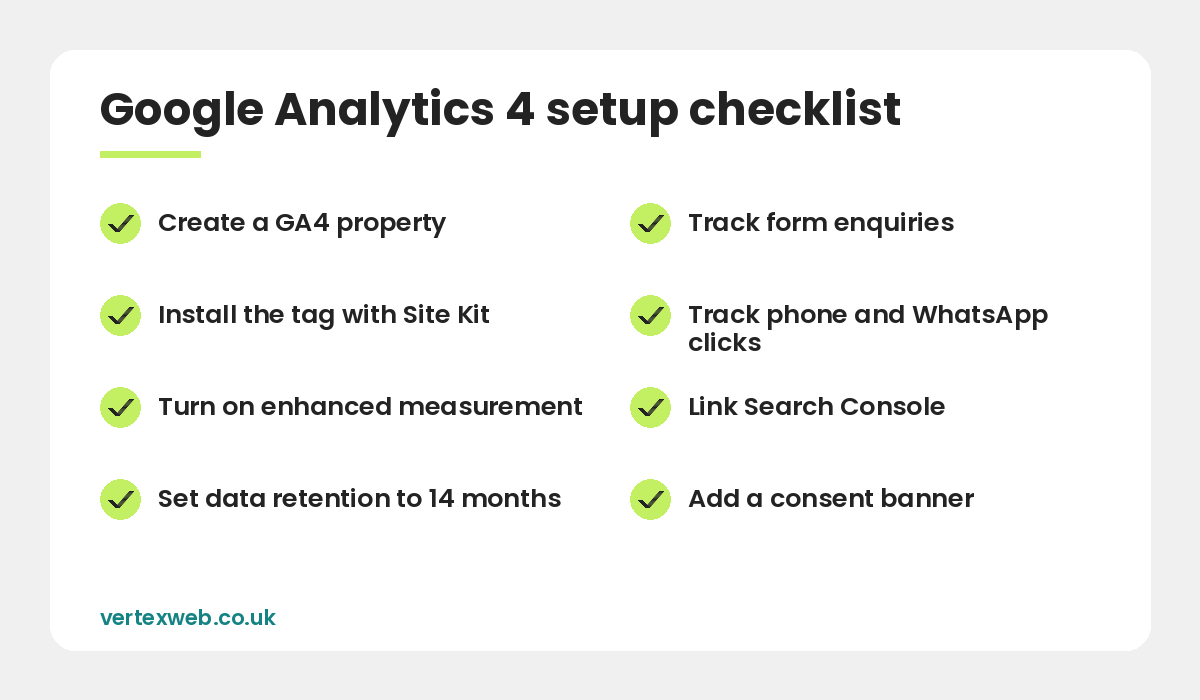
- Go to analytics.google.com and create an account and property.
- Add a web data stream for your website.
- Install the tag. On WordPress, Google’s Site Kit plugin or your SEO plugin can do this without code.
- Turn on enhanced measurement, which tracks scrolls, outbound clicks and file downloads automatically.
- Link Google Search Console and Google Ads if you use them.
- Set data retention to 14 months in Admin settings.
Track enquiries as key events
Traffic alone does not pay the bills. Set up key events, previously called conversions, for the actions that matter:
- Contact form submissions, ideally tracked on a thank you page.
- Clicks on phone numbers and WhatsApp buttons.
- Booking confirmations.
- Purchases for online shops.
Google Tag Manager makes this easier and more reliable. Once set up, you can see which channels and pages produce enquiries.
Five reports worth checking
- Traffic acquisition: where visitors come from, such as organic search, social, email or paid ads.
- Landing pages: which pages people arrive on first.
- Key events: how many enquiries or sales you got and from which source.
- Pages and screens: your most visited pages.
- Demographics and tech: location and device, useful for local businesses.
Check these once a month and compare with the previous month and the same month last year.
Cookies and consent
In the UK, analytics cookies generally need consent. Use a cookie banner that supports Google Consent Mode, so GA4 can still model some data when people decline. Read our GDPR and cookie guide.
Common questions
Is Google Analytics 4 free?
Yes. The standard version is free for small and medium businesses.
What is the difference between GA4 and Search Console?
Search Console shows how you appear in Google search. GA4 shows what visitors do once they reach your website.
Why does GA4 show fewer visitors than expected?
Visitors who decline cookies, ad blockers and bots filtered out can all reduce the numbers.
How often should I check Google Analytics?
Once a month is enough for most small businesses, plus after any big campaign.
Final thoughts
Google Analytics 4 does not need to be overwhelming. Set it up properly, track your enquiries as key events and check a few reports each month. Pair it with Search Console for the full picture. See our digital marketing services if you want regular reports done for you.
Want help with this?
We can set up Google Analytics 4 and enquiry tracking and send you a simple monthly report. Request a free quote or call +44 7446 776057.